

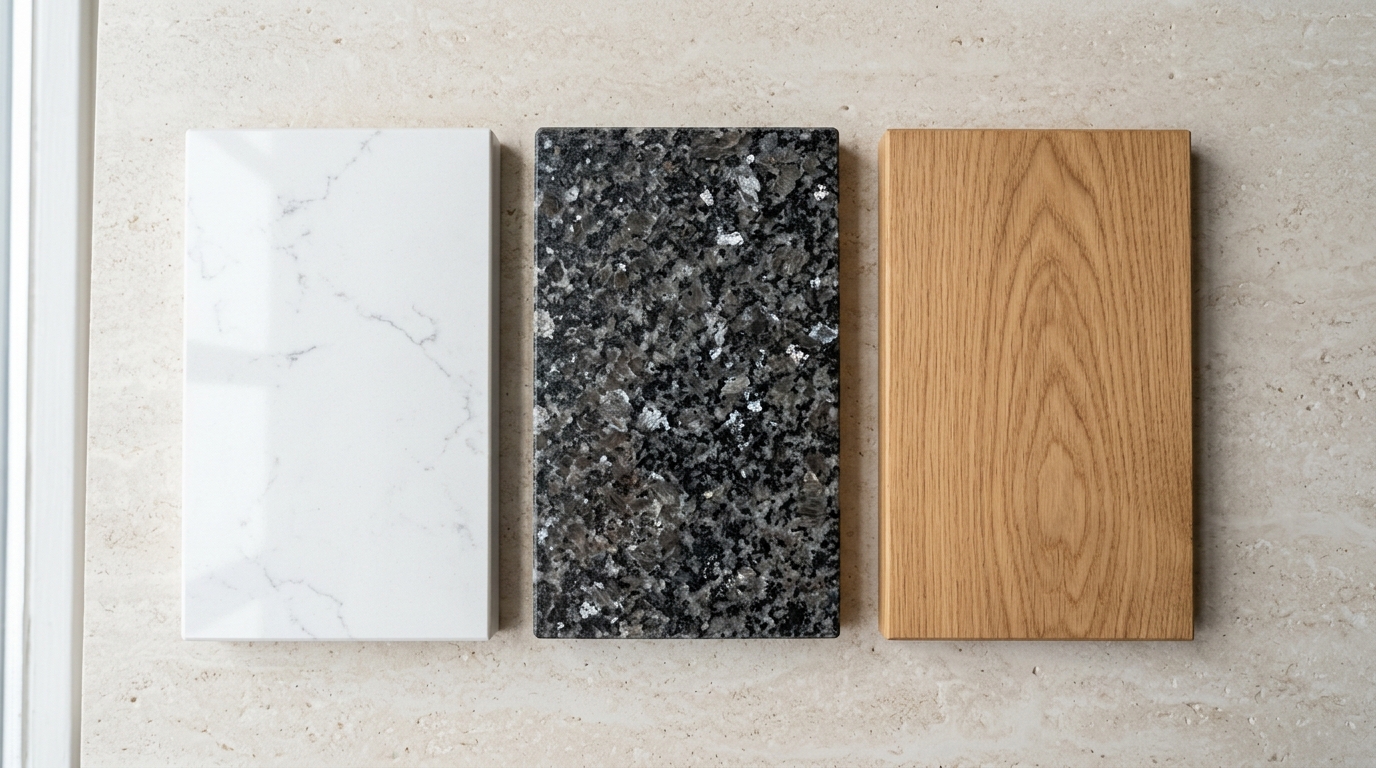


How to Build Your Complete Kitchen Online
Use our simple kitchen builder to choose your cabinet option, select your colours,
add your units, and review everything in your basket before placing your enquiry or order.
Cabinet Options
Choose how you would like your kitchen cabinets supplied.
Choose Your Cabinet Option
Start by selecting the cabinet supply option that best suits your project.
This helps set up the kitchen builder correctly before you choose colours and units.
- Choose from the available cabinet options.
- Select the option that suits your installation or supply needs.
- Move on to the colour choices once selected.
Door Colours
Pick the finish that suits the look of your kitchen.
Select Your Door Colour
Next, choose your preferred kitchen door colour. This is the main colour people will see
when looking at your kitchen, so choose the finish that matches your home and style.
- Review the available door colours.
- Select your preferred finish.
- You can compare light, grey, darker or feature colours before deciding.
Cabinet Colour
Select the internal cabinet colour for your kitchen units.
Choose Your Cabinet Colour
After choosing the door colour, select your cabinet colour. This is usually the colour
used inside the cupboards and around the cabinet body.
- Select the cabinet colour shown on the builder.
- Make sure it works well with your chosen door finish.
- Continue once your colour choices are complete.
Add Units
Use the unit section to build up your kitchen list.
Add Your Kitchen Units
Now add the units you need for your kitchen. The builder includes a units section and
a planning guide so you can view quick unit diagrams before adding products.
- Open the units section.
- Check the quick unit diagrams where available.
- Add the units you need to your basket.
Your Basket
Review the items you have added before continuing.
Check Your Basket
As you add units, they will appear in your basket. Use this area to check that the
products and quantities are correct before moving forward.
- Review each item in your basket.
- Check quantities carefully.
- Remove or adjust items if needed before checkout.
View Basket & Checkout
Continue when you are happy with your kitchen selection.
View Basket or Checkout
Once your choices are complete, use the basket or checkout buttons to continue.
This is where you can review your full kitchen selection before submitting it.
- Click “View basket” to review everything.
- Click “Checkout” when ready to continue.
- Contact the showroom if you need help before finalising.
Need Help Planning Your Kitchen?
Not sure which units, colours or cabinet options to choose? Our showroom team can help
guide you through the process and check your kitchen requirements.
Tip: Have your room measurements ready before using the kitchen builder.